Strategy Modules
Modules are the building blocks of your EA. Your signals decide when to open or close; the modules decide how: how many orders, with which stop loss and take profit, and when no new order may open at all.
In short:
- Modules for opening open orders when an Open signal is met. Every EA has exactly one: Open order V3 (V2 in older EAs).
- Modules for closing close orders: stop loss, take profit, trailing and lifespan. Add as many as you need.
- Modules which prevent opening block new orders, for example outside a trading session or after a loss.
- Most settings that several modules share are explained once, under Settings that many modules share.
How modules work
Section titled “How modules work”On every tick, your EA goes through its modules:
- The modules which prevent opening check whether a new order is allowed right now.
- When an Open signal is met and no module prevents it, the module for opening opens the order.
- The modules for closing watch every open order and set or move its stop loss and take profit, or close it.
The full flow, with the order of all checks, is in How your EA works.
Add, change or remove a module
Section titled “Add, change or remove a module”Modules live in the Strategy column of the EA editor, grouped like on this page.
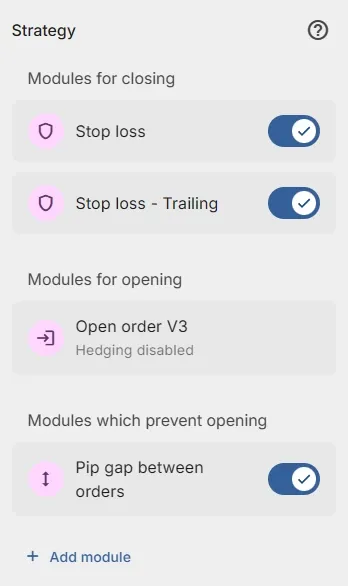
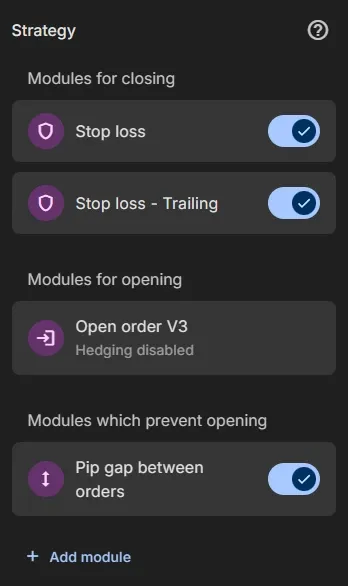
- Click Add module in the Strategy column.
- Click the module you want. Its settings open.
- Set the settings and click Save.
- Change a module: click it in the Strategy column, change its settings and click Save.
- Switch it off: the switch next to a module leaves it out of your EA without deleting it.
- Remove it: open it and click Delete. The module for opening can’t be removed.
- Help: the help button on a module page shows the docs page of that module.
Modules for opening
Section titled “Modules for opening”The module for opening opens an order when an Open Buy or Open Sell signal is met. Your EA has exactly one; it is in the Strategy column from the start.
- Open order V3: opens orders, with a maximum number of open orders and optional hedging. Use this one.
- Open order V2 (legacy): the previous version, for older EAs.
Modules for closing
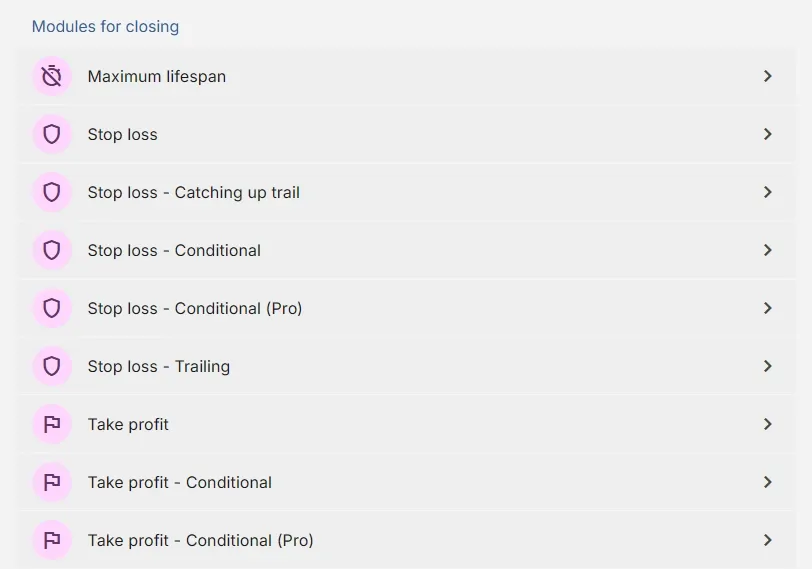
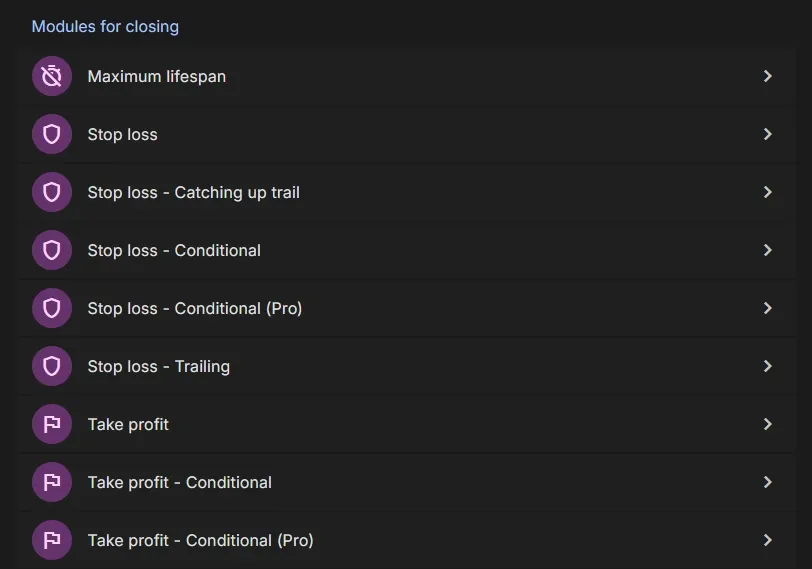
Section titled “Modules for closing”Modules for closing watch your open orders and close them when their condition is met. You can add several, also the same module more than once (give each a Name to tell them apart).
Stop loss: limit the loss of an order.
- Stop loss: a fixed stop loss in pips, money or a percentage of the balance.
- Stop loss - Trailing: a stop loss that follows the price once the order is in profit.
- Stop loss - Catching up trail: a stop loss that catches up with the price faster as the profit grows.
- Stop loss - Conditional: a stop loss that starts when a condition is met, and trails.
- Stop loss - Conditional (Pro): like Conditional, with a calculated start value, a condition to remove it and partial closes.
Take profit: lock in the profit of an order.
- Take profit: a fixed take profit in pips, money or a percentage of the balance.
- Take profit - Trailing: a take profit that follows the price down when the order is in loss.
- Take profit - Conditional: a take profit that starts when a condition is met.
- Take profit - Conditional (Pro): like Conditional, with a calculated start value, a condition to remove it and partial closes.
Other:
- Maximum lifespan: closes an order after a number of minutes.
Modules which prevent opening
Section titled “Modules which prevent opening”These modules block new orders while their condition is true. Open orders are not affected.
- Margin requirements: not enough free margin, or the EA already uses too much.
- Maximum loss: the loss of the period (day, week, …) is reached.
- Maximum profit: the profit target of the period is reached.
- Maximum spread: the spread is too high.
- Pip gap between orders: the price is too close to the last order.
- Time gap after loss: too soon after a losing order.
- Time gap between orders: too soon after the last order.
- Trading session: outside your trading hours.
- Trading session exclusion: during hours you exclude, such as news.
Settings that many modules share
Section titled “Settings that many modules share”Optional: tells this module apart from others of the same kind, for example SL buy and SL sell. Only modules you
can add more than once have a Name.
Order scope
Section titled “Order scope”Which orders are evaluated together (Stop loss, Take profit). Each group contains the orders with the same Magic Number:
- Order: every order is evaluated and closed on its own.
- Symbol and ordertype: one group per symbol and type (buy or sell).
- Symbol: one group per symbol.
- Magic number: all orders with the same Magic Number on the account. You won’t see a line on the chart, but the total is calculated and evaluated nonetheless.
How a value is measured (Stop loss, Take profit, Maximum loss, Maximum profit):
- Pips: the distance from the open price.
- Money: an amount in the account currency.
- Percentage of balance: a percentage of the account balance, for example 2 for 2%.
Enabled for
Section titled “Enabled for”Whether the module works on Buy orders, Sell orders or Buy and Sell orders (Conditional modules). When buy and sell orders need a different condition, add the module twice: once for buy orders and once for sell orders.
Conditions
Section titled “Conditions”The Conditional modules have conditions, such as Precondition. You build them exactly like a signal: see Conditions. An empty optional condition means the module doesn’t wait for it.
Pro modules
Section titled “Pro modules”Modules with (Pro) in their name need a Pro subscription.
MetaTrader is a registered trademark of MetaQuotes Ltd. EA Builder Pro is not affiliated with MetaQuotes.